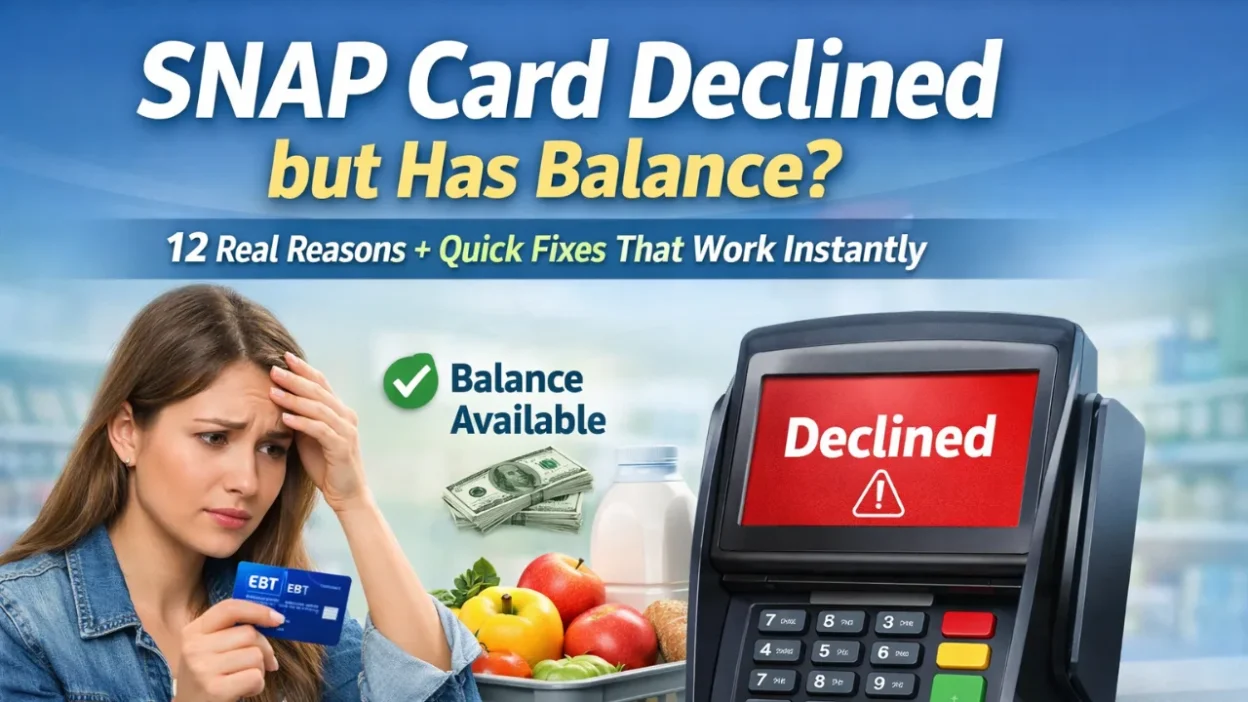
You’re standing at checkout, your SNAP card shows money—but the payment gets declined. It’s frustrating, confusing, and often urgent.
If your SNAP (Supplemental Nutrition Assistance Program) card isn’t working even though you have a benefits in your account, the issue is usually not about funds. It’s typically related to eligibility rules, system issues, or account restrictions tied to the Electronic Benefits Transfer (EBT) system.
In this guide we’ll explain exactly what’s happening and how to fix it immediately, whether you’re shopping at Walmart, Target, local grocery stores, or online via Amazon.
What It Means When Your SNAP Card Is Declined
A SNAP card decline with available balance means the transaction failed authorization, not that your funds are gone.
This usually happens because:
- The purchase doesn’t meet SNAP eligibility rules
- The store or system can’t process the transaction
- There’s a temporary issue with your card or account
Understanding this difference is key—it helps you fix the problem quickly instead of assuming your benefits are gone.
12 Common Reasons Your EBT Card Is Declined (Even With Money)
1. You’re Buying Non-Eligible Items
SNAP only covers approved food items under federal guidelines from the United States Department of Agriculture.
❌ Not covered:
- Hot prepared food
- Alcohol
- Vitamins and supplements
✔ Fix: Remove restricted items and try again
2. Mixed Cart Payment Issues
If your cart includes both SNAP-eligible and non-eligible items, the system may decline the entire transaction.
✔ Fix:
- Ask the cashier to split the payment
- Use EBT for food, then another method for the rest
3. Incorrect PIN Entry
Entering the wrong PIN can trigger a temporary block.
✔ Fix:
- Re-enter carefully
- Wait a few minutes if locked
- Reset PIN through your state EBT system
4. Store Is Not SNAP Authorized
Not every retailer is approved to accept SNAP benefits.
✔ Fix:
- Look for “EBT Accepted Here” signs
- Use major retailers or verified grocery stores
5. Temporary System Outage
The EBT processing network or store POS system may be down.
✔ Fix:
- Try another register
- Wait and retry after 15–30 minutes
- Check if others are experiencing the same issue
6. SNAP Balance vs Cash Balance Confusion
EBT cards may hold:
- SNAP food benefits
- Cash assistance benefits
✔ Fix: Make sure you’re using SNAP for eligible food purchases only
7. Card Not Activated
New or replacement cards must be activated before use.
✔ Fix: Call the number on the card and activate it
8. Account Temporarily Frozen
Fraud detection systems may flag unusual activity.
✔ Fix: Contact your state SNAP office immediately
9. Daily Transaction Limits
Some states set limits on daily transactions or amounts.
✔ Fix:
- Split your purchase
- Try again later
10. Expired or Replaced Card
Old cards stop working after replacement or expiration.
✔ Fix: Use your newest issued card
11. Online SNAP Restrictions
Not all online stores support SNAP payments, and eligibility varies by location.
✔ Fix:
- Use approved platforms like Amazon
- Ensure your ZIP code is eligible
12. Card Damage or Swipe Error
A damaged magnetic strip can prevent authorization.
✔ Fix:
- Try a different terminal
- Request a replacement card
Quick Troubleshooting Checklist (Use This at Checkout)
If your SNAP card is declined, run through this fast checklist:
- ✔ Are all items SNAP-approved?
- ✔ Did you enter the correct PIN?
- ✔ Does the store accept EBT?
- ✔ Is the system working?
- ✔ Is your card active and not expired?
Most problems are resolved within minutes using these steps.
Step-by-Step Fix: What to Do Immediately
If your EBT card declines while shopping, follow this exact process:
- Remove non-eligible items
- Retry the transaction
- Carefully enter your PIN
- Ask for split payment
- Try another register or store
- If still declined → call EBT support
This simple flow solves the majority of SNAP transaction failures.
Real-Life Scenarios (What Actually Happens)
Scenario 1: Works at One Store, Not Another
You shop at Walmart and your card works—but at a small local store, it declines.
👉 Likely cause: Store is not properly authorized or system outdated
Scenario 2: Declined for Groceries Only
Your card declines even for food.
👉 Likely cause:
- Wrong PIN
- SNAP balance empty (but cash balance exists)
Scenario 3: EBT Declined Online
Your payment fails on Amazon.
👉 Likely cause:
- Your location isn’t eligible
- Items not SNAP-approved
Eligible vs Ineligible SNAP Items
| Category | Allowed |
| Fruits & vegetables | ✔ Yes |
| Meat & poultry | ✔ Yes |
| Dairy products | ✔ Yes |
| Bread & cereals | ✔ Yes |
| Snacks | ✔ Yes |
| Hot prepared food | ❌ No |
| Alcohol | ❌ No |
| Vitamins | ❌ No |
Knowing this list prevents most checkout issues.
Store & Location Differences (Why “Near Me” Matters)
SNAP acceptance can vary across the U.S.
What affects your experience:
- Urban areas → more approved stores
- Rural areas → limited options
- Smaller stores → outdated systems
What to search:
- “SNAP accepted stores near me”
- “EBT not working near me today”
If your card works in one store but not another, it’s usually a store-level issue—not your balance.
Why the System Declines Your Card (Behind the Scenes)
Every EBT transaction goes through a real-time authorization system:
- Card is swiped
- PIN is verified
- Items are checked for eligibility
- Store authorization is confirmed
If any step fails, the system declines—even if you have money.
This is why SNAP can feel inconsistent—it depends on multiple systems working together.
Common Mistakes That Cause Declines
Avoid these frequent errors:
- Mixing eligible and non-eligible items without splitting
- Entering the wrong PIN multiple times
- Shopping at non-approved stores
- Ignoring system outages
- Using expired cards
Tools That Can Help You Track SNAP Issues
- EBT customer service hotline
- Mobile apps like Providers (formerly Fresh EBT)
- State SNAP websites
- USDA retailer locator
These tools help you check balance, track transactions, and find approved stores.
What to Do If Nothing Works
If your SNAP card keeps getting declined:
- Call your state EBT customer service
- Ask if your account is flagged or frozen
- Request a card replacement if needed
- Verify your benefits are active
If the issue persists across multiple stores, it’s likely an account-level problem.
Helpful Resources
- Official SNAP guide: USDA Food and Nutrition Service
- EBT system & card help: USDA EBT Program
Quick Help (All 50 States)
- 👉 Check SNAP benefits not received today (all states)
- 👉 Latest SNAP benefit changes April 2026 (all states)
FAQs: EBT card declined Fixes
1. Why is my SNAP card declining even though I have money?
Usually due to ineligible items, incorrect PIN, or store/system issues—not because your balance is gone.
2. Can an EBT card be declined with funds available?
Yes. Authorization depends on eligibility rules, store approval, and system status—not just balance.
3. What items cause SNAP cards to decline?
Hot food, alcohol, vitamins, and non-food items can trigger a decline.
4. What happens if I enter the wrong PIN too many times?
Your card may be temporarily locked for security reasons.
5. Does SNAP work at all grocery stores?
No. Only authorized retailers can accept SNAP payments.
6. Why does my SNAP card work at one store but not another?
Different stores use different systems and must be officially approved to process SNAP.
7. Can I use SNAP for online grocery shopping?
Yes, but only with approved retailers and in eligible locations.
8. How do I fix a declined SNAP card quickly?
Remove non-eligible items, re-enter PIN, try another register, or contact EBT support.
Conclusion
A SNAP card declined despite having balance is usually a fixable issue, not a loss of benefits.
Start with the basics:
- Check your items
- Confirm your PIN
- Try another store or register
If that doesn’t work, contact your EBT provider to resolve account issues.
Most importantly, understand that Food Stamp transactions based on eligibility rules, system checks, and store approval—not just your EBT balance. Once you know how it works, you can fix problems easily and shop with confidence.